2017 Chevrolet Malibu OBD2 Codes: Read, Understand, Avoid Mistakes
If warning lights are on in your 2017 Chevrolet Malibu, learning to read and understand OBD2 codes can save you money and prevent bigger repairs. This guide walks you through scanners, code types, and safe DIY steps....

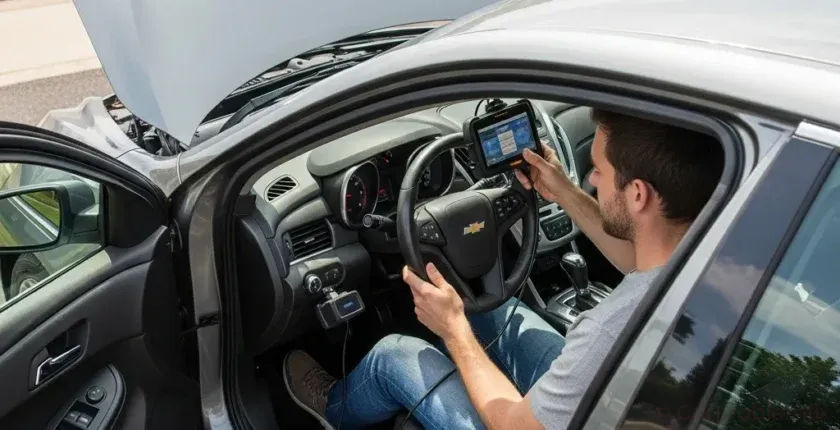
If warning lights pop up on your dash in your 2017 Chevrolet Malibu, the car’s computer is storing OBD2 codes that can tell you what’s wrong. Learning how to read and understand those OBD2 codes on a 2017 Chevrolet Malibu you money, prevent guesswork, and help you avoid costly mistakes at the shop.
- 1. What OBD2 Codes Mean on a 2017 Chevrolet Malibu
- 2. Common OBD2 Code Types on a 2017 Chevrolet Malibu
- 3. How to Connect an OBD2 Scanner to a 2017 Chevrolet Malibu
- 4. Understanding OBD2 Code Structure on a 2017 Malibu
- 5. Beginner’s Checklist: What to Do After You Read Codes on a 2017 Chevrolet Malibu
- 5.1. 1. Check Severity and Driveability
- 5.2. 2. Look for Related Codes, Not Just One
- 5.3. 3. Do Basic Visual Checks First
- 6. Step-by-Step: Safely Clearing OBD2 Codes on a 2017 Chevrolet Malibu
- 7. Biggest OBD2 Mistakes to Avoid on a 2017 Chevrolet Malibu
- 8. Using OBD2 Data to Plan Repairs on a 2017 Chevrolet Malibu
- 9. FAQs: 2017 Chevrolet Malibu
- 10. Summary and Next Steps
This beginner-friendly guide focuses specifically on the 2017 Chevrolet Malibu, using real-world examples and clear steps so you can pull codes, interpret them, and decide what to do next with confidence.
What OBD2 Codes Mean on a 2017 Chevrolet Malibu

Every 2017 Chevrolet Malibu onboard diagnostics system called OBD2. When something goes outside normal limits, the engine control module (ECM) or other control modules store a code and often turn on a warning light.
On your 2017 Chevrolet Malibu, these codes are standardized into a five-character format like P0300 or P0442. The first letter tells you which system is affected, and the numbers narrow down the fault.
- P = Powertrain (engine, transmission, emissions) – most common on a 2017 Malibu
- B = Body (airbags, power seats, climate controls)
- C = Chassis (ABS, traction control)
- U = Network/communication between modules
For your 2017 Chevrolet Malibu, most DIY diagnostics will focus on P-codes, because they relate to engine performance, fuel economy, and emissions – the things that usually trigger the check engine light.
Common OBD2 Code Types on a 2017 Chevrolet Malibu
Before you plug in a scanner to your 2017 Chevrolet Malibu, it helps to understand the basic categories of codes you’ll see. This keeps you from panicking over minor issues or ignoring serious ones.
- Pending codes: The ECM has seen a problem once, but it needs to see it again before turning on the light. On a 2017 Malibu, a pending misfire or EVAP leak may not light the dash yet.
- Confirmed codes: The fault has occurred enough times to be considered real. These usually turn on the check engine light in your 2017 Chevrolet Malibu.
- History or stored codes: Problems that happened in the past but may not be present now. Useful when your 2017 Malibu had a light that went off on its own.
- Permanent codes: Certain emissions-related codes that stay in memory until the car completes specific drive cycles without the fault returning.
Understanding which type of code your 2017 Chevrolet Malibu helps you decide whether to drive, monitor, or stop and address an urgent problem.
How to Connect an OBD2 Scanner to a 2017 Chevrolet Malibu
Reading OBD2 codes on a 2017 Chevrolet Malibu if you follow a safe, step-by-step process. You don’t need advanced tools; even a basic handheld scanner or Bluetooth adapter will work.
- Locate the OBD2 port in your 2017 Chevrolet Malibu
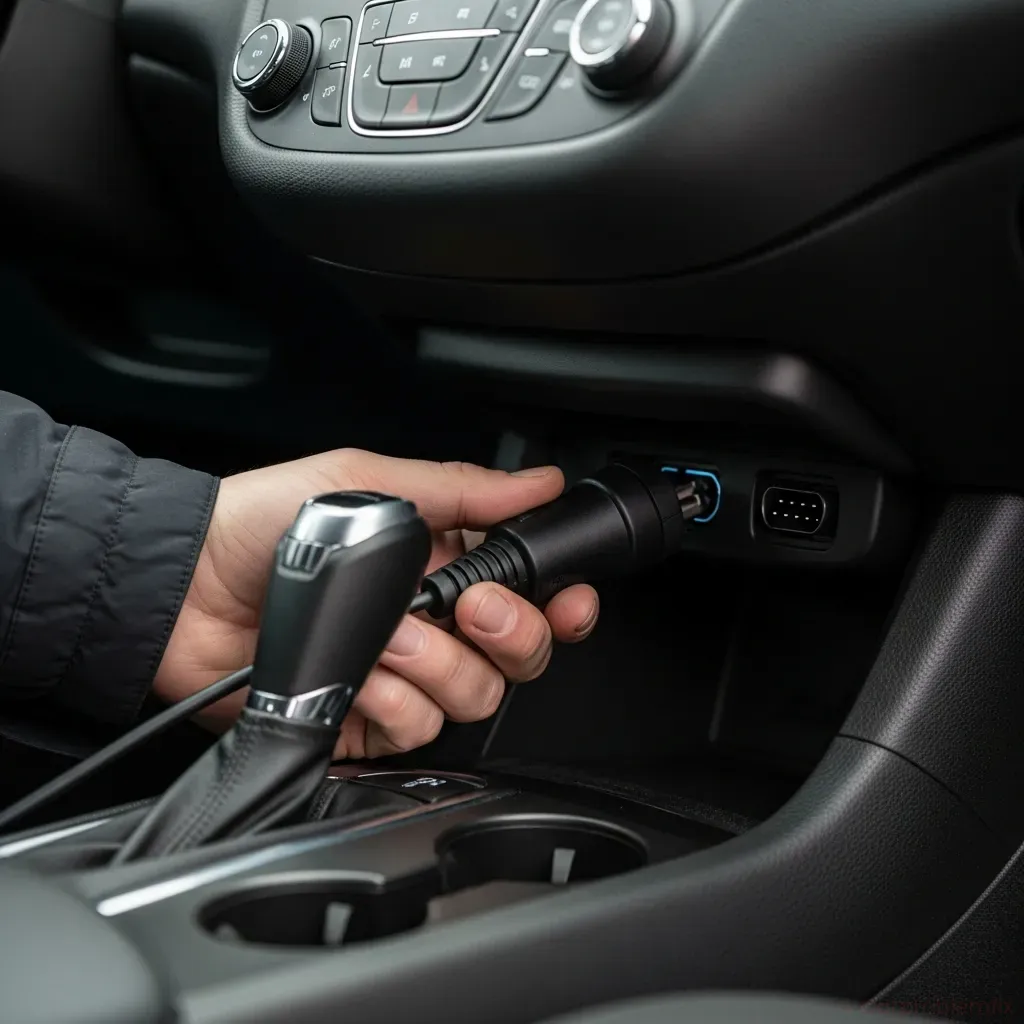
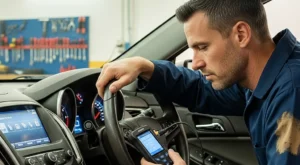
Sit in the driver’s seat and look under the dashboard, just above your knees. On the 2017 Malibu, the OBD2 port is usually slightly left of the steering column, facing downward. It’s a trapezoid-shaped 16-pin connector.
- Turn the ignition to ON (engine off)
In your 2017 Chevrolet Malibu, insert the key and turn it to the ON position without starting the engine. The dash lights should come on. For push-button start versions, press the button without pressing the brake pedal.
- Plug in the scanner
Firmly connect your OBD2 scanner or Bluetooth adapter to the port on your 2017 Chevrolet Malibu. It should click into place. Most scanners will power up from the car.
- Follow the scanner prompts
Use the scanner menu to select Read Codes or Diagnostics. Many tools will auto-detect your 2017 Malibu’s protocol. Wait while it communicates with the ECM and other modules.
- Write down or save the codes
When the scanner shows codes like P0171 or P0301, write them down exactly, including any pending or permanent labels. On a 2017 Chevrolet Malibu, multiple related codes can appear at once, and that order matters.
- Exit and unplug safely
After you’ve captured the codes from your 2017 Chevrolet Malibu, exit the scanner menu, turn the ignition off, and gently unplug the tool from the port.
Once you’ve pulled codes from your 2017 Chevrolet Malibu, you can start interpreting what they actually mean.
Understanding OBD2 Code Structure on a 2017 Malibu
Every code on your 2017 Chevrolet Malibu same basic pattern: one letter and four numbers. Knowing how to read that pattern helps you avoid chasing the wrong problem.
- 1st character (letter): System (P, B, C, U)
- 2nd character (0 or 1): 0 = generic (same across brands), 1 = manufacturer-specific (Chevrolet-specific logic)
- 3rd character: Subsystem (fuel, ignition, emissions, etc.)
- 4th and 5th characters: Specific fault description
For example, on a 2017 Chevrolet Malibu:
- P0300 – Random/multiple cylinder misfire detected
- P0171 – System too lean (Bank 1)
- P0420 – Catalyst system efficiency below threshold (Bank 1)
When your 2017 Chevrolet Malibu code like P0171, it doesn’t automatically mean a bad sensor. It means the ECM is seeing a lean condition; your job is to figure out why, using the code as a starting point, not a final answer.
Beginner’s Checklist: What to Do After You Read Codes on a 2017 Chevrolet Malibu
Once you’ve pulled codes from your 2017 Chevrolet Malibu, use this structured checklist to decide your next move. This helps you avoid the most common OBD2 mistakes.
1. Check Severity and Driveability
- Is the check engine light flashing? On a 2017 Chevrolet Malibu, a flashing light usually means a severe misfire that can damage the catalytic converter. Avoid driving hard; if the car runs rough, have it towed.
- Is the car driving normally? If your 2017 Malibu feels fine and the light is solid, you can usually drive short distances while planning repairs.
- Are there other warning lights? If ABS, traction, or battery lights are also on in your 2017 Chevrolet Malibu, note them. They may point to related issues.
2. Look for Related Codes, Not Just One
On a 2017 Chevrolet Malibu, multiple codes often appear together. Don’t focus on the first one you see and ignore the rest.
- If you see P0300 plus P0302, your 2017 Chevrolet Malibu general misfire and a specific misfire on cylinder 2.
- If you see P0171 plus P0106 (MAP sensor), your 2017 Malibu may have an air/fuel measurement issue, not just a vacuum leak.
Write the codes in the order they appeared on your 2017 Chevrolet Malibu; the first one is often the root cause.
3. Do Basic Visual Checks First
Before replacing parts on your 2017 Chevrolet Malibu, do quick, no-cost inspections:
- Open the hood and look for loose or cracked vacuum hoses.
- Check the air intake duct and air filter box on your 2017 Malibu for loose clamps or disconnected tubes.
- Inspect visible wiring and connectors around the battery, engine, and fuse boxes for damage or corrosion.
- Verify that the gas cap is tight on your 2017 Chevrolet Malibu, especially if you see EVAP codes like P0442.
These quick checks often fix minor issues on a 2017 Chevrolet Malibu parts.
Step-by-Step: Safely Clearing OBD2 Codes on a 2017 Chevrolet Malibu
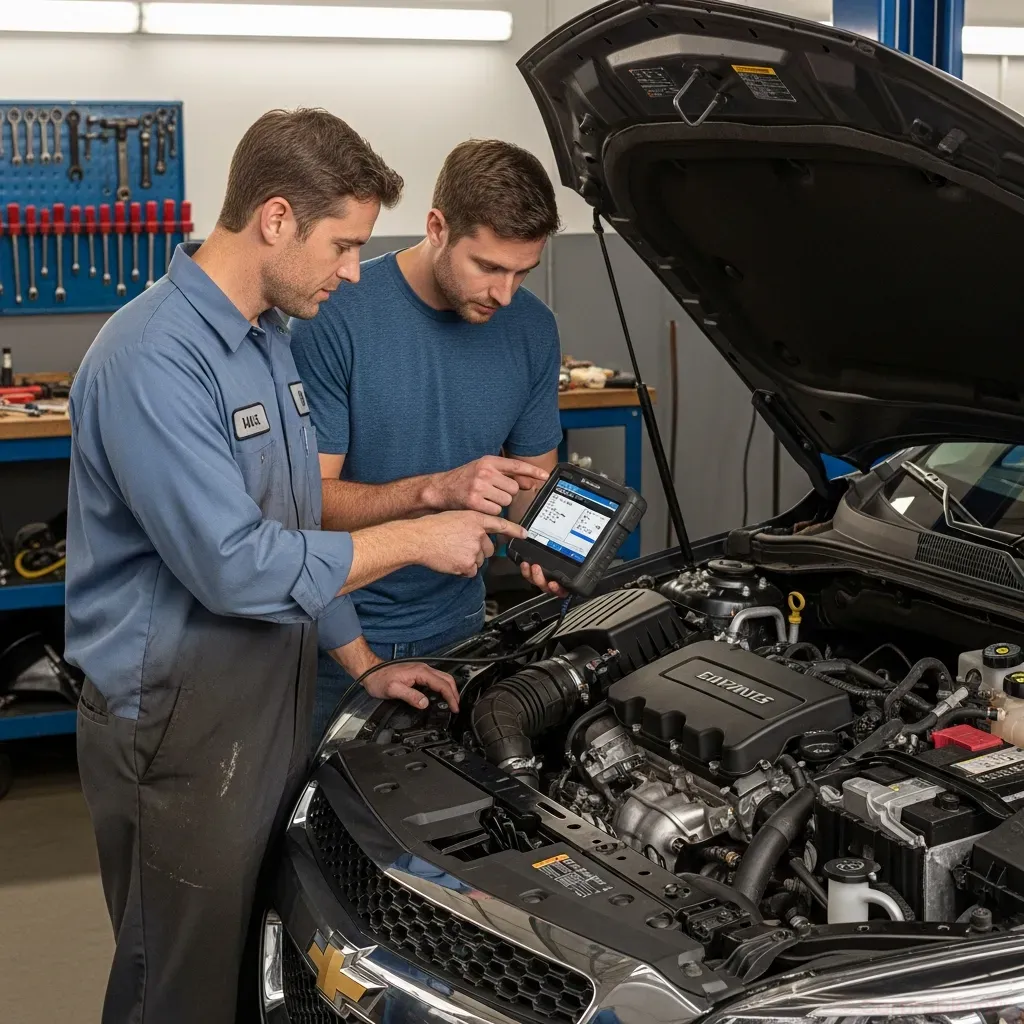
Clearing codes on a 2017 Chevrolet Malibu way can erase valuable data and make diagnosis harder. Always fix or at least inspect the likely cause first.
- Address obvious problems
If your 2017 Malibu had a loose gas cap, cracked vacuum hose, or disconnected sensor, correct that issue before clearing codes.
- Reconnect the scanner
Plug your OBD2 scanner back into the port on your 2017 Chevrolet Malibu the ignition to ON (engine off).
- Confirm codes again
Read codes one more time on your 2017 Chevrolet Malibu you have the latest list. This double-checks that nothing new has appeared.
- Select “Erase Codes” or “Clear DTCs”
Follow your scanner’s prompts to clear codes from the 2017 Chevrolet Malibu’s ECM. You may see a warning that this will erase freeze-frame data and readiness monitors.
- Cycle the ignition and start the engine
Turn the key off, then start your 2017 Malibu. The check engine light should be off. If it comes back quickly, the fault is still present.
- Drive a normal route
Take your 2017 Chevrolet Malibu mixed drive (city and highway) to let the ECM run tests. Some codes will only reappear after certain conditions are met.
Avoid disconnecting the battery on your 2017 Chevrolet Malibu clear codes. That can reset radio presets, adaptive learning, and may not clear permanent codes.
Biggest OBD2 Mistakes to Avoid on a 2017 Chevrolet Malibu
Misusing OBD2 information on a 2017 Chevrolet Malibu money and time. Here are the most common traps and how to avoid them.
- Parts cannon approach: Replacing sensors on your 2017 Chevrolet Malibu a code mentions them (like replacing an O2 sensor for P0171) without testing anything else.
- Ignoring maintenance basics: Old spark plugs, dirty air filters, or neglected fluids on a 2017 Malibu can trigger codes that look more serious than they are.
- Clearing codes before recording them: Once you clear codes on a 2017 Chevrolet Malibu, you lose freeze-frame data that shows what the engine was doing when the fault occurred.
- Driving with a flashing check engine light: On a 2017 Chevrolet Malibu, this can quickly damage the catalytic converter and turn a small ignition issue into a four-figure repair.
- Assuming all codes are related: Your 2017 Chevrolet Malibu an EVAP code and a misfire code at the same time from unrelated causes.
Before you dive into repairs on your 2017 Malibu, it can help to review general maintenance advice like the basic maintenance checks you must do on any daily-driven vehicle. Good maintenance reduces the number of surprise codes you’ll see.
Using OBD2 Data to Plan Repairs on a 2017 Chevrolet Malibu
OBD2 codes on a 2017 Chevrolet Malibu powerful when you use them to plan, not panic. Here’s how to turn raw codes into a repair strategy.
- Group codes by system
On your 2017 Malibu, sort codes into categories: misfire, fuel/air, EVAP, sensor communication, etc. This helps you see patterns.
- Start with the earliest or primary code
If your 2017 Chevrolet Malibu (MAF sensor) and P0171 (lean), start with the MAF issue first. Fixing air measurement can resolve the lean code.
- Consider recent work or changes
If you recently changed the air filter or worked near the intake on your 2017 Chevrolet Malibu, a loose connection could be the cause of new codes.
- Check for known issues and recalls
Some 2017 Chevrolet Malibu common enough that bulletins or known fixes exist. Once you have codes, you can research patterns specific to this model year.
- Use live data if your scanner supports it
Watching fuel trims, O2 sensor readings, or coolant temperature in real time on your 2017 Malibu can confirm whether a sensor is lying or the engine is truly running lean/rich.
If your 2017 Chevrolet Malibu’t start at all and you can’t even pull codes, a no-start guide like won’t start but lights work can help you separate electrical and mechanical issues before you get into deeper diagnostics.
FAQs: 2017 Chevrolet Malibu
Why is my 2017 Chevrolet Malibu light on but the car drives fine?
On a 2017 Chevrolet Malibu, mild issues like small EVAP leaks, slightly lean conditions, or sensor performance problems can trigger the light while the car still feels normal. You should still read the OBD2 codes, because ignoring them can lead to worse fuel economy or long-term damage.
Can I drive my 2017 Chevrolet Malibu OBD2 code stored?
If the light is solid and your 2017 Chevrolet Malibu, short trips are usually safe while you plan diagnosis. If the light is flashing, the engine runs rough, or you smell fuel, avoid driving and have the car inspected immediately.
Will clearing OBD2 codes fix my 2017 Chevrolet Malibu?
Clearing codes on a 2017 Malibu only erases the warning, not the underlying problem. If the fault is still present, the codes and check engine light will return, sometimes within minutes of driving.
Do I need a special scanner just for a 2017 Chevrolet Malibu?
A basic OBD2 scanner will read generic powertrain codes on your 2017 Chevrolet Malibu. However, a more advanced scanner that can access ABS, airbag, and body modules will give you more complete information if you plan to do deeper diagnostics.
Why do OBD2 codes keep coming back on my 2017 Chevrolet Malibu?
If codes return quickly on your 2017 Malibu, the original problem may not be fully fixed, a related issue was missed, or a new fault was introduced during repairs (like a pinched wire or loose connector). Re-scan, compare codes, and recheck recent work.
Summary and Next Steps
Learning how to read and understand OBD2 codes on your 2017 Chevrolet Malibu control over what’s happening under the hood. With a simple scanner and a structured approach, you can separate minor issues from serious ones, avoid guesswork, and talk to any shop from a position of knowledge.
If your 2017 Chevrolet Malibu flashing check engine light, multiple serious codes, or symptoms like stalling, overheating, or hard starting, it’s time to involve a trusted mechanic. Use the codes you’ve gathered as a roadmap, not a final diagnosis, and you’ll spend less, fix problems faster, and keep your 2017 Chevrolet Malibu road longer.
How do you rate this guide?

Related Posts
Comments have been disabled.